
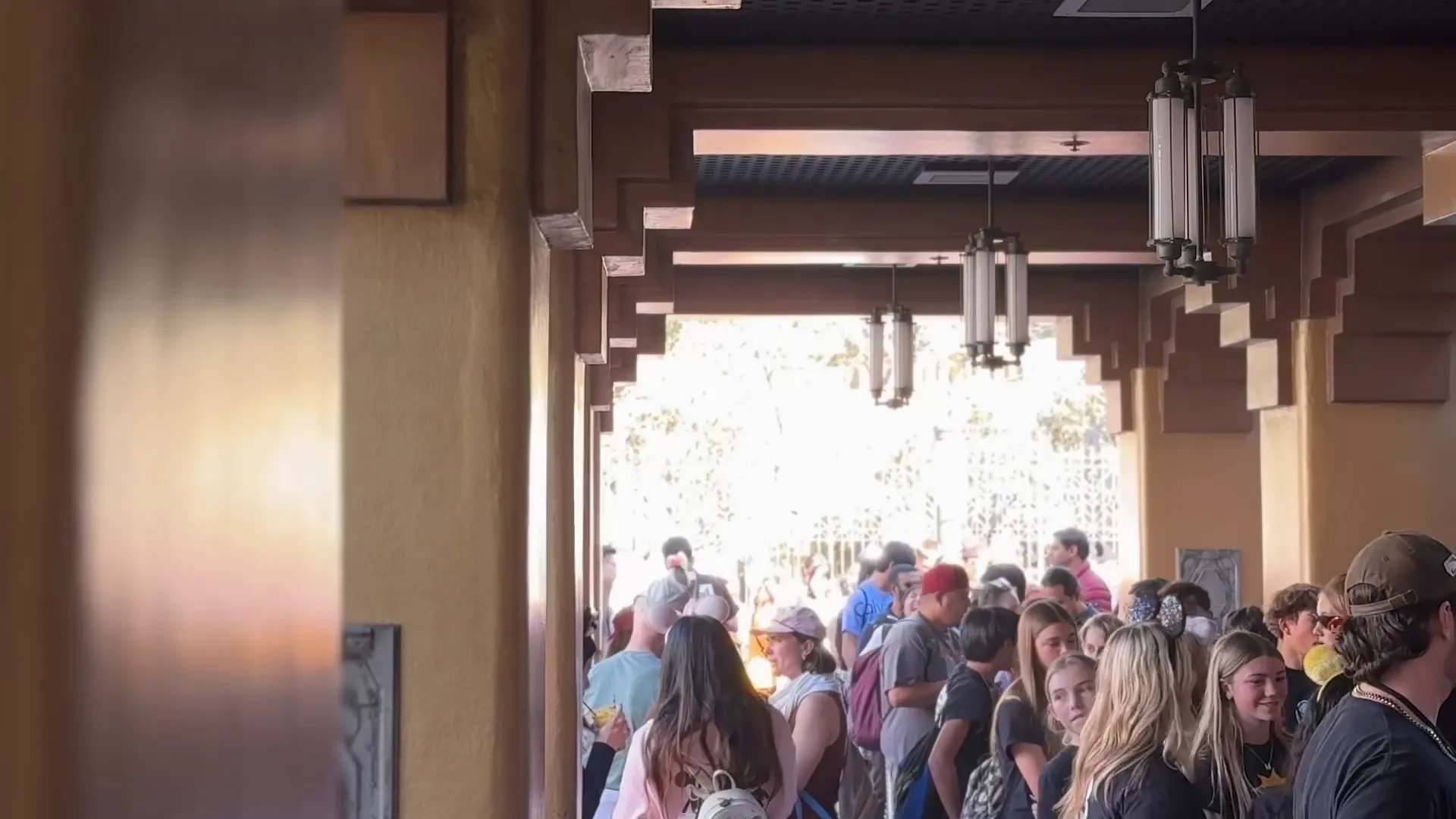

How long is the line, really?
The sign says one thing. Park Science shows how long Disneyland's lines actually run, ride by ride, from every posted wait and the waits fans report from inside the park.
Live waits, the Go / No Go board and the average saving are free for everyone.
Posted waits are an estimate. Park Science measures the line.
Every number comes from two places: what the sign said, and what fans in the park actually waited.
Every posted wait
Each ride's full posted-wait history, so we know what the sign said and when.
What fans actually waited
Members report their real waits from inside the park. Reports only count from inside the park, so the numbers come from people who are actually there.
The difference, in plain English
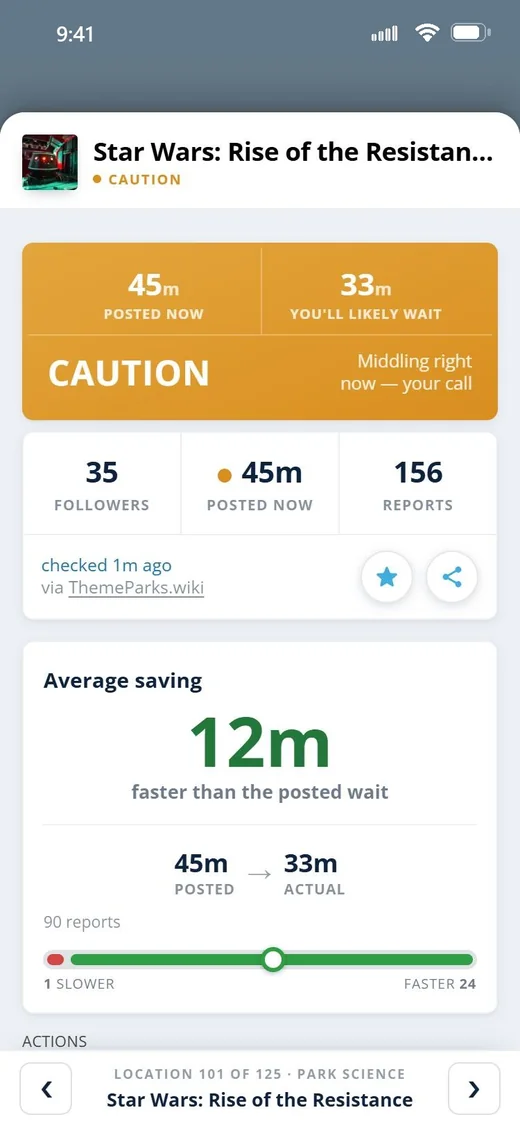
The average saving: how much faster the line moves than the sign says. The more reports a ride has, the sharper its numbers get.
 Free for everyone
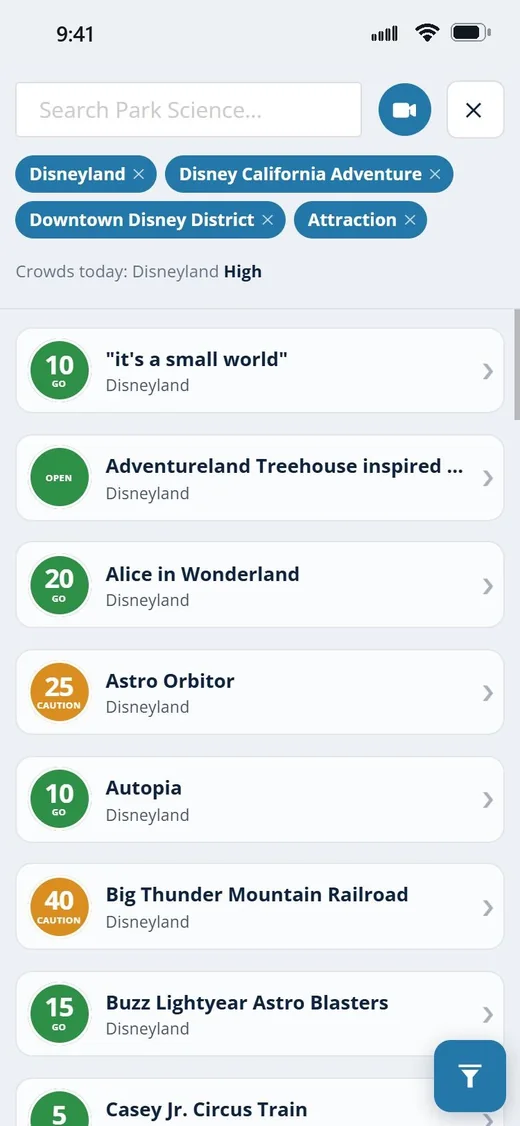
Go or No Go, ride by ride.
The tick board shows every ride at a glance with a straight Go or No Go call, built on David's own tracking logic.
Next to every ride: its live wait and the average saving, which is how much faster the line moves on average than the sign says.
Open the tick board →The science behind every ride.
An in-depth overview of every attraction. It shows how long the wait actually runs compared with what's posted, and how that shifts at different posted wait times.
It also includes the full posted-wait history, member wait reports, reported issues, and the ride's own details, including the Lightning Lane read.
See the line before you stand in it.
Every section is labelled, and David's recon pins sit along the way.
3D queue walkthroughs
The line itself, built as a model you can walk before you ever stand in it. See how long it really is and what you'll be looking at. On select attractions, with more on the way.
David's recon
Notes David leaves along each 3D queue from walking it himself, like when a section being open means you should come back later, or where to stand to be first off.
Queue splits
Clock each section of the line as you pass it. The summary shows which part took the most time, not just a total.
Queue games
Ride Trivia written for each attraction (760 questions and counting), and Heads Up for the whole group.
In-park reports
Report a ride that's down, an animatronic that isn't working, or a Lightning Lane surge. Reports only count from inside the park.
The ride's own details
Reported issues, the full posted-wait history, member wait reports, and the Lightning Lane read for every attraction.
What's free, and what a subscription adds.
- ✓Live waits
- ✓The Go / No Go board
- ✓The average saving on every ride
- ✓Haunted Mansion's 3D queue and David's recon there
- ✓The in-depth science on every attraction
- ✓Every other 3D queue and all of David's recon
- ✓Queue splits
- ✓Queue games: Ride Trivia and Heads Up
- ✓In-park reports
Questions
Park Science
What's free? +
What do I get? +
Where do the numbers come from? +
What's the 3D queue? +
What's David's recon? +
Can I track the line as I move through it? +
Is there anything to do while I'm in line? +
Can I report something I see in the park? +
I already subscribed to Support the Team (before August 2026). Does anything change? +
How is this different from Park Tracking? +
How do I cancel? +
Know before you queue.
Open the tick board in your browser and see every ride's call right now. Be safe, and be kind to one another.
Planning the whole day? See Park Tracking